The Impact of Camera Perspectives on Hyper-Casual Gameplay
By Plarmes
The Invisible Director of the Mobile Screen
In the world of hyper-casual game design, every second of player attention is a hard-won prize. Developers often focus heavily on mechanics, game juice, and monetization loops, but one of the most critical factors in a game's success remains largely invisible: the camera. The camera perspective is the literal lens through which your player interacts with your game world. It dictates how they perceive distance, speed, and difficulty. A poorly placed camera can lead to frustration, while a masterfully tuned perspective can make even the simplest tap-to-move mechanic feel incredibly satisfying. Because hyper-casual games rely on instant mastery and zero friction, the camera must do more than just show the action; it must facilitate it.
Readability and the Top-Down Advantage
One of the most common camera angles in hyper-casual gaming is the top-down or bird's-eye view. This perspective is favored for games that require spatial awareness and management. When a player is asked to navigate a crowded environment or organize objects, the top-down view provides a clear, undistorted map of the play area. This perspective removes the complexities of depth perception that can plague 3D games. By looking straight down, players can judge distances between objects with pixel-perfect accuracy.
However, a pure 90-degree top-down view can sometimes feel flat or clinical. To combat this, many developers adopt a 'top-down-plus' approach, where the camera is tilted slightly—usually between 15 to 30 degrees. This introduces a sense of depth and allows for more detailed character sprites or models to be seen from the side while maintaining the readability of the ground plane. For puzzle games or 'crowd' style games, this balance is crucial. It keeps the gameplay focus on the logic and the positioning rather than forcing the player to fight with the perspective to see what is coming next.
The Psychology of the Follow Camera
In runner games, which remain a staple of the hyper-casual market, the follow camera is the industry standard. Usually positioned behind and slightly above the character, this camera creates a sense of forward momentum and immersion. This perspective is powerful because it mirrors the way humans perceive movement in the real world. As the character moves forward, the environment expands from the center of the screen, creating a natural flow.
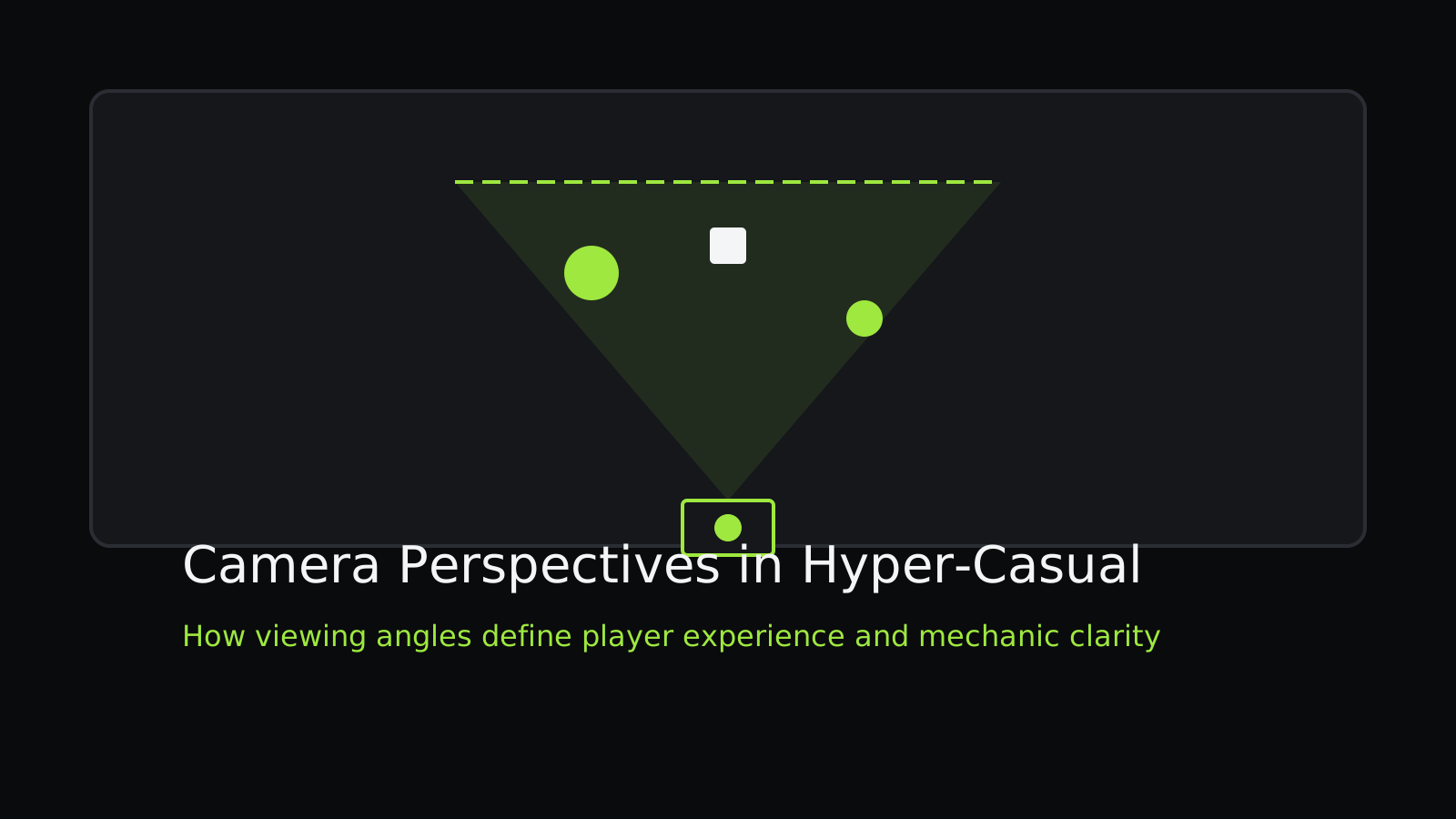
One of the technical challenges with the behind-the-back camera is managing the 'Field of View' or FOV. A narrow FOV can make the game feel claustrophobic and difficult, as players cannot see upcoming obstacles on the periphery. Conversely, an extremely wide FOV can cause 'fisheye' distortion at the edges of the screen, which might distract the player or cause motion sickness. The sweet spot for hyper-casual runners is often a moderate FOV that emphasizes the path ahead while keeping the character as the clear focal point. The height of the camera also matters; a camera placed too low can make it difficult to judge the distance of obstacles on the horizon, whereas a camera placed too high can make the character feel disconnected from the environment.
Side-Scrolling and the Sense of Progress
While 3D perspectives are dominant in the modern market, the classic side-scrolling perspective remains a vital tool for certain hyper-casual niches, particularly physics-based platformers and horizontal flight games. The side-scrolling camera is the ultimate tool for conveying a sense of linear progress. Movement from left to right is psychologically associated with moving forward or advancing in many cultures.
In these games, the camera's behavior is often tied to the player's velocity. A 'dynamic lead' is a common technique where the camera shifts slightly ahead of the player character based on their speed. This gives the player more time to react to upcoming hazards. If the camera stays perfectly centered on the character, the player only sees half of the available screen space in front of them. By shifting the camera so the character occupies the left third of the screen, you effectively double the reaction time for the player without changing the actual speed of the game. This subtle adjustment is a hallmark of polished hyper-casual design.
Isometric Views and Aesthetic Polish
Isometric or 2.5D perspectives are often used when a developer wants to achieve a high level of visual polish without the technical overhead of a fully dynamic 3D camera. The isometric view offers a fixed, three-dimensional look that is incredibly stable. Because the scale of objects does not change regardless of where they are on the screen, players find it easy to internalize the 'rules' of the game world's geometry.
This perspective is particularly effective for 'stacking' games or 'idle' simulations where the player's base or tower is the main focus. It allows for beautiful, clean lines and consistent lighting. The main drawback of the isometric view is the 'occlusion' problem—where objects in the foreground block the player's view of important elements in the background. Hyper-casual developers solve this by either making foreground objects transparent when the character moves behind them or by ensuring the level design is 'stepped' so that everything remains visible at the fixed angle.
The Role of Field of View in Speed Perception
Field of View is more than just a technical setting; it is a gameplay mechanic in its own right. In high-speed hyper-casual games, developers often dynamically adjust the FOV to communicate speed to the player. When the player picks up a 'boost' or enters a 'frenzy' mode, widening the FOV creates a visual stretching effect. This makes the edges of the screen move faster than the center, creating a visceral sensation of velocity that a simple increase in movement speed cannot achieve on its own.
Conversely, tightening the FOV can be used to increase tension. During a boss encounter or a high-precision segment, a narrower FOV focuses the player's attention on a specific area, removing distractions. This 'zoom' effect acts as a non-verbal cue that the gameplay has shifted from exploration or casual movement to a high-stakes challenge. Mastering these subtle camera shifts can significantly improve the 'feel' of a game, making the experience feel more responsive and alive.
Camera Shake and Feedback
No discussion of camera design in hyper-casual is complete without mentioning camera shake. Often categorized as 'game juice,' camera shake is a momentary displacement of the camera used to emphasize an impact. In a market where players often play with the sound off, visual feedback is the primary way to communicate weight and power.
However, camera shake in hyper-casual must be used with extreme precision. Too much shake, or shake that lasts too long, can cause eye strain and make the game feel 'muddy.' The best camera shakes are often very short—less than 0.2 seconds—and are triggered only by significant events, like a collision or a level completion. The shake should also be directional; if an object hits the player from the right, the camera should jolt to the left. This reinforces the physics of the game world and helps the player understand exactly what happened, even in a chaotic moment.
Designing for the Thumb
The physical reality of mobile gaming also dictates camera placement. Since most hyper-casual players use a single thumb to control the game, the camera must ensure that the most important action is not happening directly under the player's thumb. This is why many vertical games place the player character slightly above the bottom of the screen. By providing this 'dead zone' for the thumb, the camera ensures that the player's own hand doesn't become an obstacle to their success.
In conclusion, the camera is the foundation upon which all other hyper-casual systems are built. Whether it is the clarity of a top-down view, the momentum of a follow camera, or the aesthetic charm of an isometric perspective, the way you show the game is just as important as the game itself. By understanding the psychological and technical impacts of camera angles, developers can create smoother, more engaging, and ultimately more successful titles.
Further reading: One Tap Controls in Hyper Casual Design and Mastering Visual Minimalism in UI Design.