Designing Hyper-Casual Games for Colorblind Players
By Plarmes
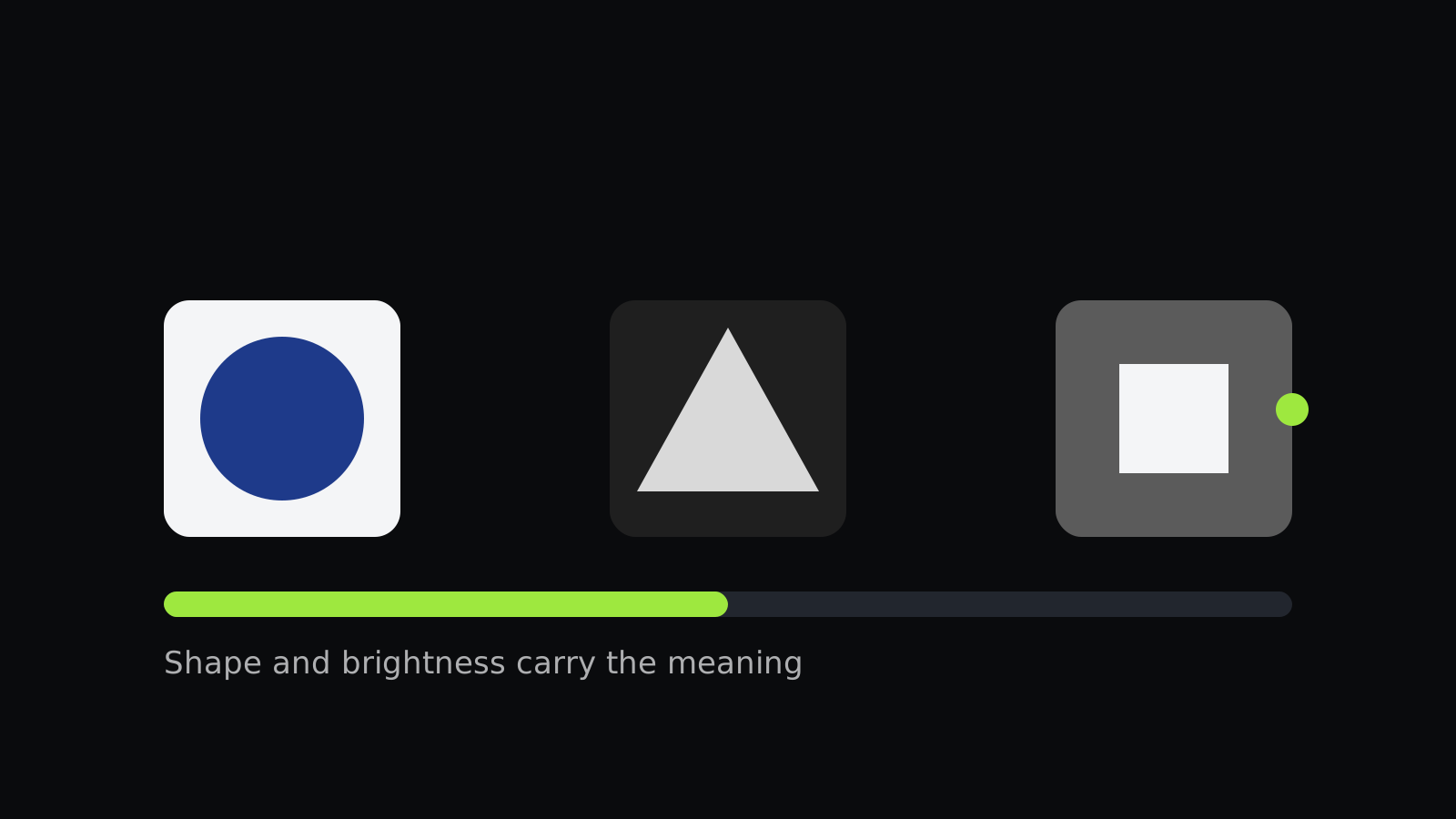
Roughly one in twelve men and one in two hundred women have some form of color vision deficiency. Many hyper-casual games rely on color to show targets, lanes, or matches, which can quietly shut those players out.
Never rely on color alone
Any information carried by color should also be carried by something else, such as a shape, a pattern, an icon, or a label. A player should be able to tell two targets apart even if the colors look the same to them.
Check brightness contrast
Two colors can look different and still be hard to separate for someone with a common form of color blindness. Colors with clearly different brightness are easier to tell apart for almost everyone, so check palettes by luminance, not only by hue.
Use a simulator, then test with people
Color blindness simulators are a fast first check. They do not replace feedback from players who experience these differences, so include them in playtests.
Review every new level
As a game adds levels and mechanics, check each one for color dependence. A level where color alone decides the answer needs a second cue.
Accessibility helps everyone
Shape cues and high contrast also help players in bright sunlight, on older screens, and in dim rooms. Designing for the edge case usually improves the default experience.
For another look at how design choices shape the player's experience, read our post on one-tap controls.
Further reading: One-Tap Controls: The Design Discipline Behind Hyper-Casual Games and How to Choose an App Icon for a Hyper-Casual Game.