How to Choose an App Icon for a Hyper-Casual Game
By Plarmes
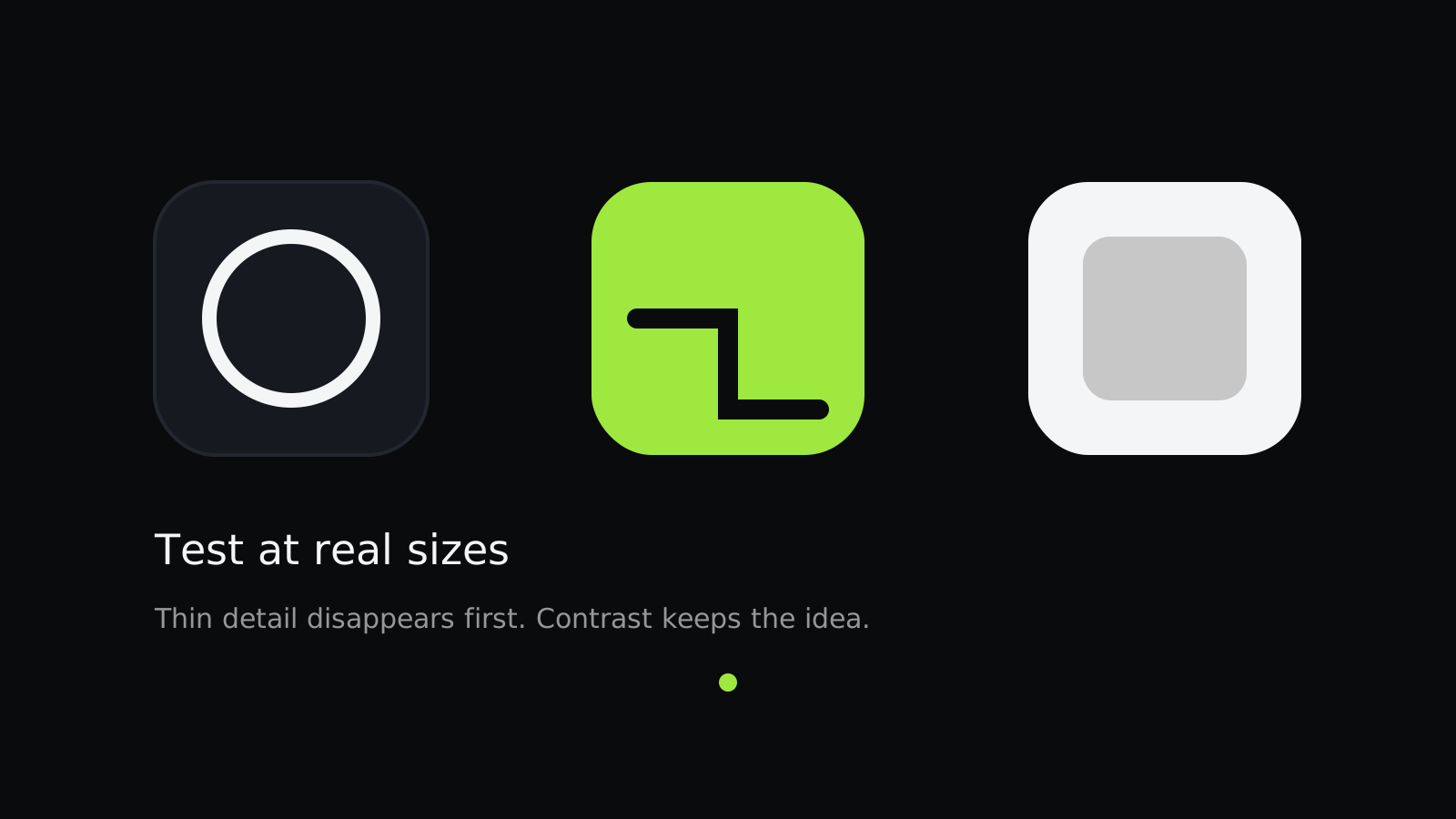
An app icon is the smallest piece of marketing a game has, and it has to work at roughly the size of a fingernail. In a hyper-casual store listing, it competes with dozens of bright, busy icons at once.
Show the core idea in one shape
Icons that show the main action, such as a ball, a stack, or a path, communicate faster than abstract art. A player should guess the genre before reading the title.
Test at real sizes
Export the icon at the sizes a phone shows and look at it on a home screen full of other apps. Thin lines and small details often disappear first. If a detail vanishes at that size, remove it.
Use strong contrast
A high-contrast icon stays readable in light and dark wallpapers and in search results, where icons sit on a white background. Avoid gradients that look good alone but turn muddy when small. Our own BrainBeam and Arrow Cube icons both lead with one bright shape on a flat background for this reason.
Compare with the competition
Put your candidate next to the icons in the same category. Your goal is to stand out while still signaling the genre. An icon that looks like everything else gets scrolled past.
Write down the reasons
Record why each option was rejected. Icon debates come back often, and a short written record saves the team from repeating the same argument.
For the store side of the same decision, read our guide to app store optimization basics.
Further reading: App Store Optimization Basics for Hyper-Casual Games and Designing Hyper-Casual Games for Colorblind Players.